Nine Bar
What's New · Version 1.1

A better journal for the coffee you actually make.

Nine Bar 1.1 brings smarter bean tracking, richer brew logging, easier equipment setup, and the introduction of Nine Bar Pro.

The redesigned Beans list with search, sections, and freshness indicators The redesigned Nine Bar Home screen with a unified Log Again card The Nine Bar Profile screen showing an active Nine Bar Pro membership
Version 1.1 at a glance

More context when you need it. Less friction when you don't.

The biggest changes make it easier to understand your beans, find what you're looking for, and log the drink in front of you.

01

Freshness at a glance

See whether an In Stock bean is Resting, Peak, Good, or Past Peak.

02

Find beans faster

Search your library and filter by roast, process, status, rating, and freshness.

03

Better brew logging

Guided choices, better labels, and smarter handling for milk and iced drinks.

PRO

Introducing Nine Bar Pro

Remove bean and equipment limits and unlock the full Nine Bar experience.

Home

Your next brew starts with better context.

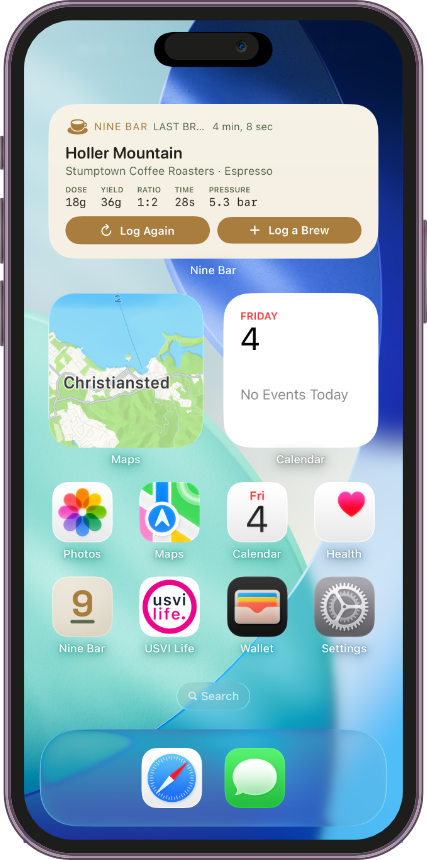
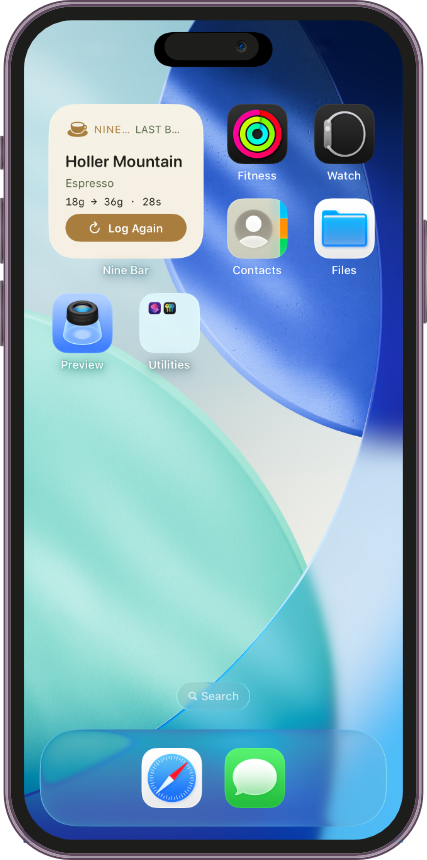
The redesigned Home recap brings the bean, drink type, last-brewed context, and Log Again action together in one clear card.

  • A unified Log Again card now shows the drink-type icon, Last Brewed label, bean name, and yesterday's stats as one cohesive unit.
  • Drink-type labels now appear in today's logged-brews list, matching the recap card and Brews tab.
  • Nested-container styling and text clipping in the recap card have also been corrected.
Home screen with the new unified Log Again recap card
Beans

Know what's ready—and find it faster.

Beans are now organized around the way a real coffee shelf changes, with freshness, search, filtering, and clearer status at the center.

  • Freshness tracking uses roast date and roast level to mark In Stock beans as Resting, Peak, Good, or Past Peak. Tap the status for the full ranges guide.
  • Search and filters help you find beans by roaster, name, origin, region, or variety and narrow the list by roast level, process, status, rating, and freshness.
  • In Stock, Wishlist, and Finished replace the old flat list, in the order most useful while brewing. The former Active label is now In Stock.
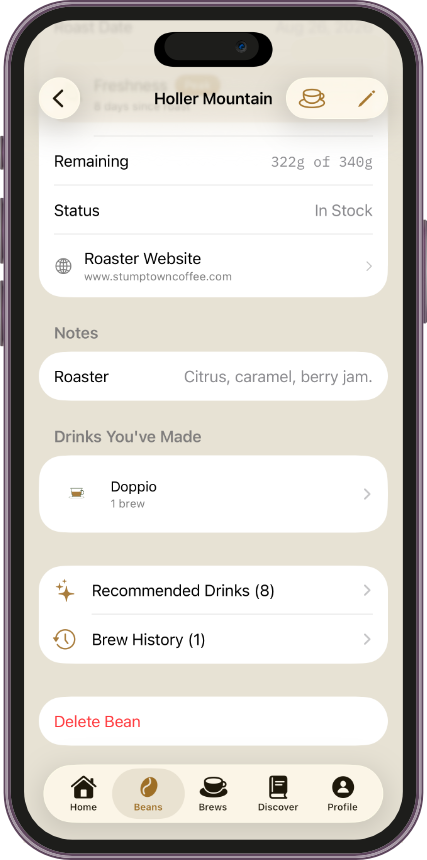
  • Drinks You've Made summarizes the drinks actually brewed with each bean, most-brewed first and always derived from brew history.
  • Better bean details add an optional roaster or purchase link that opens in an in-app browser.
  • Quick Add Bean now asks for roast date instead of silently assuming today.
Beans list organized into In Stock, Wishlist, and Finished sections Freshness explainer for a resting medium-roast coffee bean
Bean details

Freshness belongs beside the facts.

Roast level, process, roast date, remaining weight, and freshness now read as one useful story about the bag in front of you.

  • The freshness chip stays visible in the bean's main details and opens a clear explanation with the current status and the values used to calculate it.
  • Freshness is only shown for In Stock beans and never inferred from tasting notes or drink history.
Bean detail screen with a Resting freshness status chip
More in this release

Thoughtful improvements across every brew.

Brews

Richer logging, fewer dead ends.

The brew flow now adapts more closely to what you're making and what is actually available to brew.

  • Milk Type is now guided: Dairy, Oat, Almond, Soy, Coconut, Cashew, Macadamia, Pistachio, Pea, or Other. Dairy drills into fat content, while Other still allows free text.
  • Iced drinks stay accurate: Milk Temp hides when Served Iced is selected, and any previous temperature is cleared.
  • Drink-type labels now appear in the Brews list and brew detail screen.
  • Smarter bean selection adds Quick Add from the picker, excludes Wishlist and Finished beans, and introduces search when more than eight In Stock beans are available.
Equipment

A clearer path to your setup.

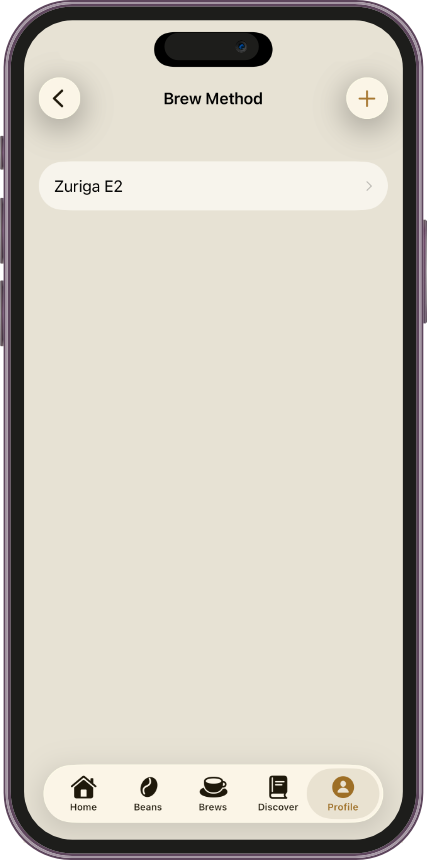
Equipment selection now starts with how you brew, then narrows to the equipment type you use.

  • Brew Method → Equipment Type replaces the previous flat list of 15+ equipment types.
  • Manual Espresso Maker and Hario Switch join the equipment types, with the correct pressure and basket fields when appropriate.
  • Turkish and Vietnamese Phin now have real seed catalog entries.
  • Single-option methods automatically choose their equipment type, removing a redundant tap.
  • New equipment: OutIn Fino grinder plus OutIn Nano and OutIn Mino espresso machines.
Nine Bar Pro

Room for the journal you're building.

Nine Bar remains free to start. Pro removes the free-tier limits and provides access to Nine Bar's paid capabilities.

4
tracked beans total, across all statuses
1
grinder
2
brew methods
  • Pro removes all three limits and adds paid capabilities, including optional account creation for cross-device sync.
  • Purchase and restore are built into the app using StoreKit 2 and real entitlements.
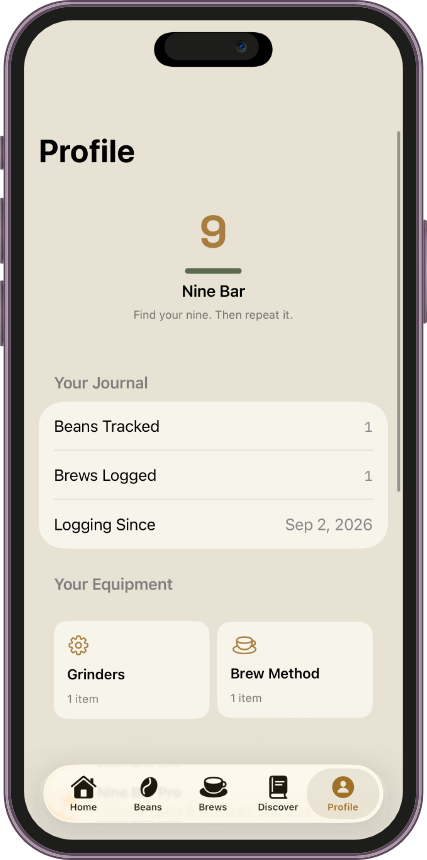
  • A new Profile entry point keeps Pro membership and account status easy to understand.
Profile screen showing Nine Bar Pro and on-device data status

Polish throughout Nine Bar

Version 1.1 also introduces a redesigned Beans tab icon and brings the updated Log Again presentation into a single, more consistent visual system.

VERSION 1.1
Nine Bar 1.1

Your coffee journal just got better.

Update Nine Bar on the App Store and bring more context to every bean, brew, and setup.

Update on the App Store